

Description
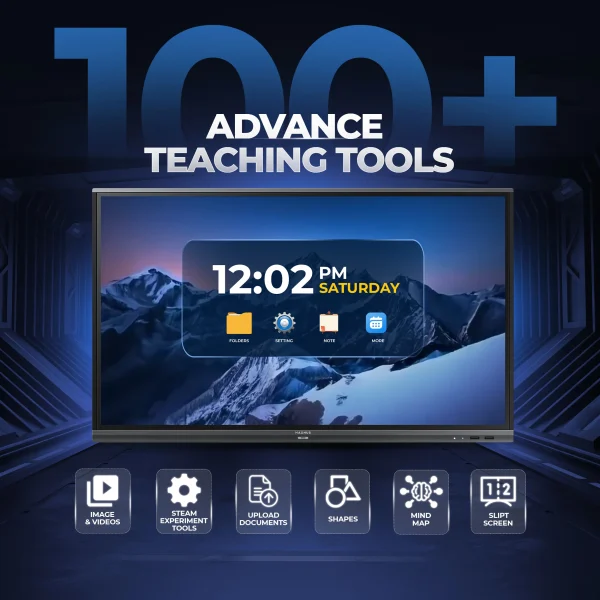
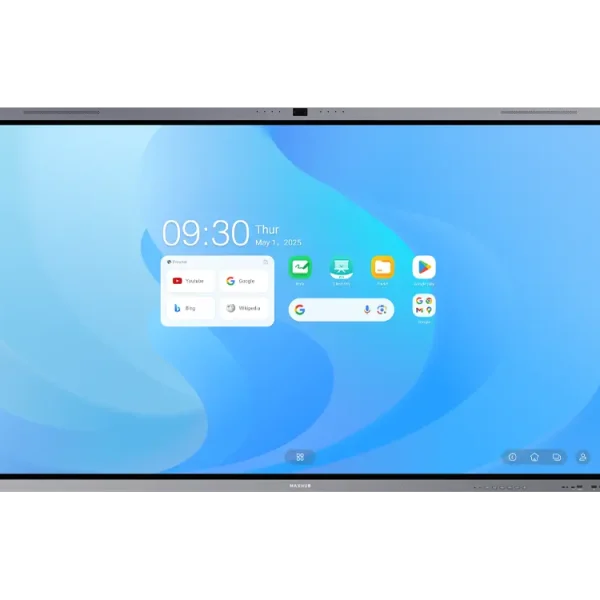
ITATouch Smart Board Overview
| Category | Details |
|---|---|
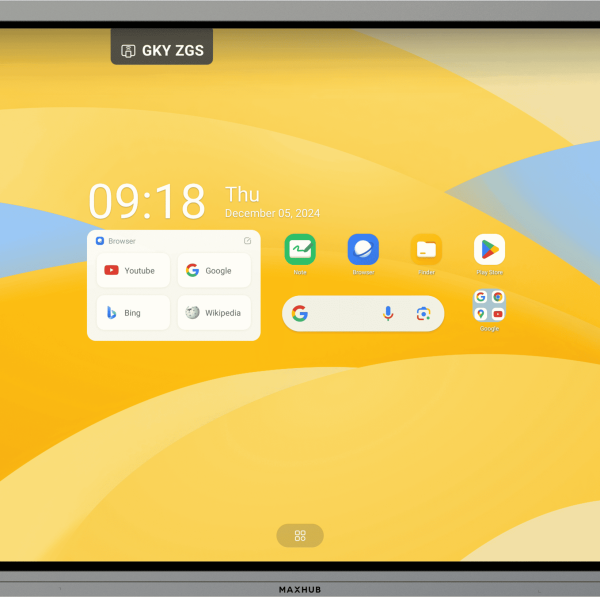
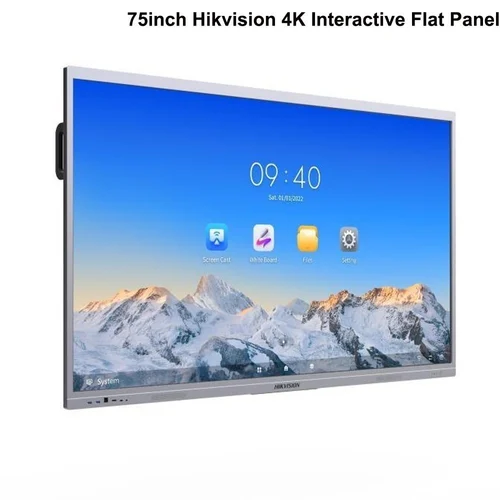
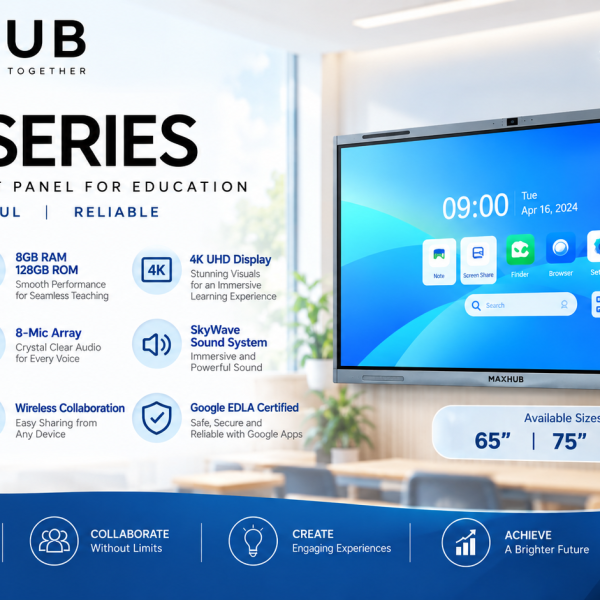
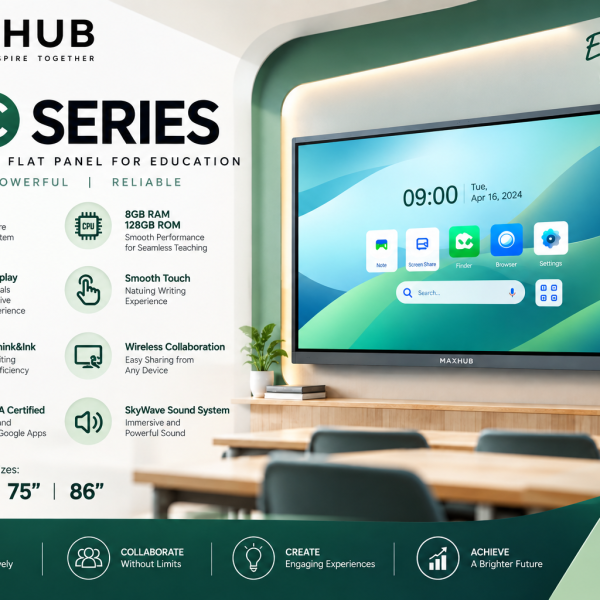
| Product Description | An interactive smart board designed for classrooms and business presentations. Supports multi-touch, handwriting, and gesture recognition. Enhances collaboration and engagement. |
| Primary Use | Education, corporate training, video conferencing, and interactive presentations. |
⭐ Key Features
| Feature | Description |
|---|---|
| Multi-Touch Support | Allows multiple users to write, draw, or interact simultaneously. |
| Gesture Recognition | Recognizes basic hand gestures for tasks like zooming, erasing, and writing. |
| Compatibility | Works with major operating systems like Windows, Android, macOS, and Linux. |
| Built-In Software | Comes with interactive whiteboard software for annotation and collaboration. |
| Physical Shortcut Keys | Offers quick access to commonly used tools directly on the frame. |
| Mounting Options | Can be mounted on walls, stands, or integrated into furniture. |
| Durable Frame Design | Aluminum frame with corner protection for longevity in classroom or office use. |
🧰 Required Components
| Component | Purpose |
|---|---|
| Computer or Laptop | Required to run the software and interact with the smart board. |
| USB Connection Cable | For connecting the smart board to the computer. |
| Stylus or Touch Pens | Used for writing and interacting with the board. |
| Whiteboard Software | Enables interactive features and supports various languages. |
| Mount or Stand | Needed to properly install and use the board in a fixed position. |
| Power Source | Typically powered via USB or adapter. |
Reviews
There are no reviews yet.